
If you’ve ever struggled to check focus on your camera’s built-in screen under bright outdoor light, or squinted at a tiny 3-inch display trying to judge whether a shot is actually sharp, you’ve run into the exact problem external monitors are designed to solve. But is it a genuine upgrade, or an unnecessary expense? This guide breaks down exactly what an external monitor adds, when it’s worth it, and what to look for if you decide to buy one.
What an External Monitor Actually Adds
Screen Size and Resolution
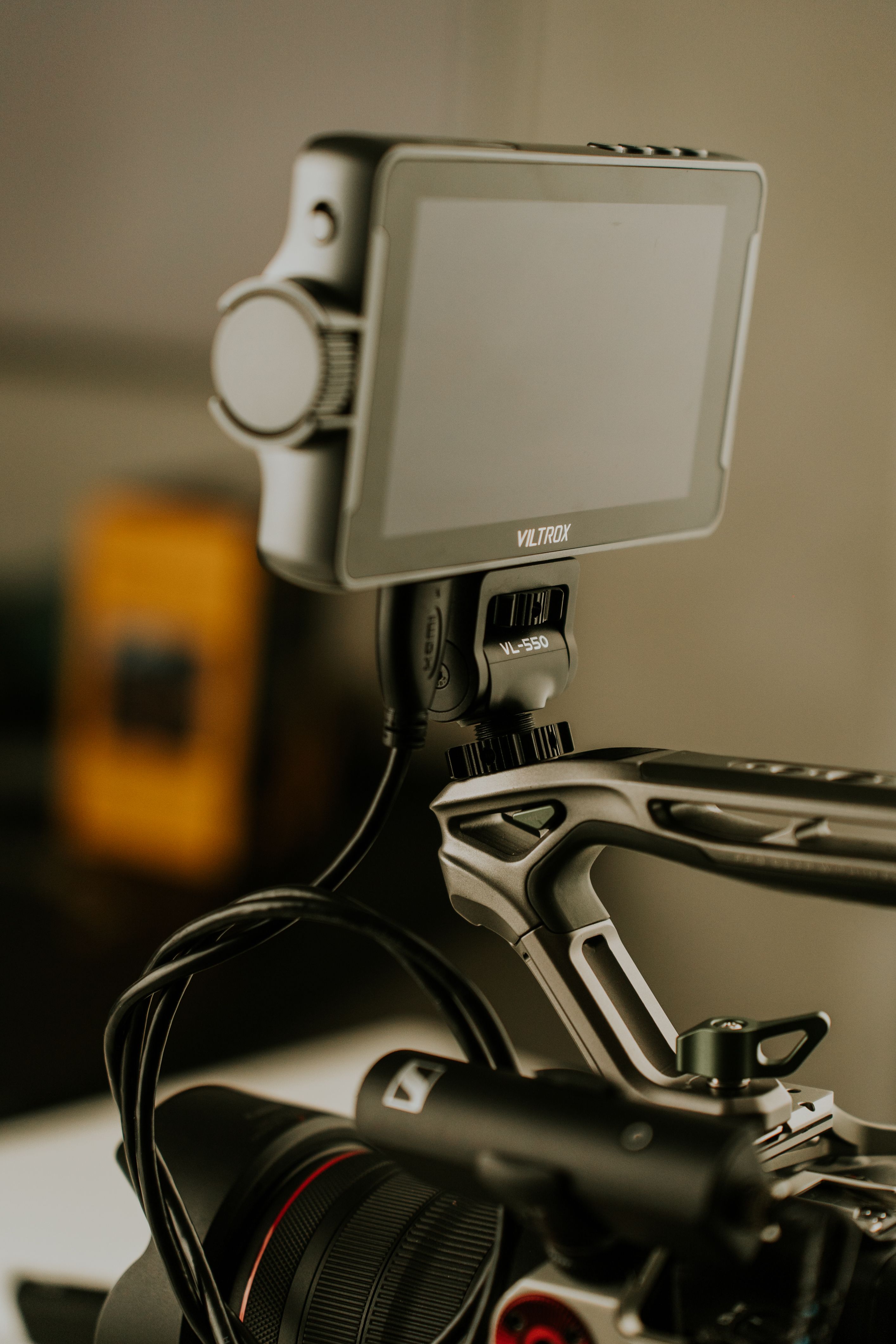
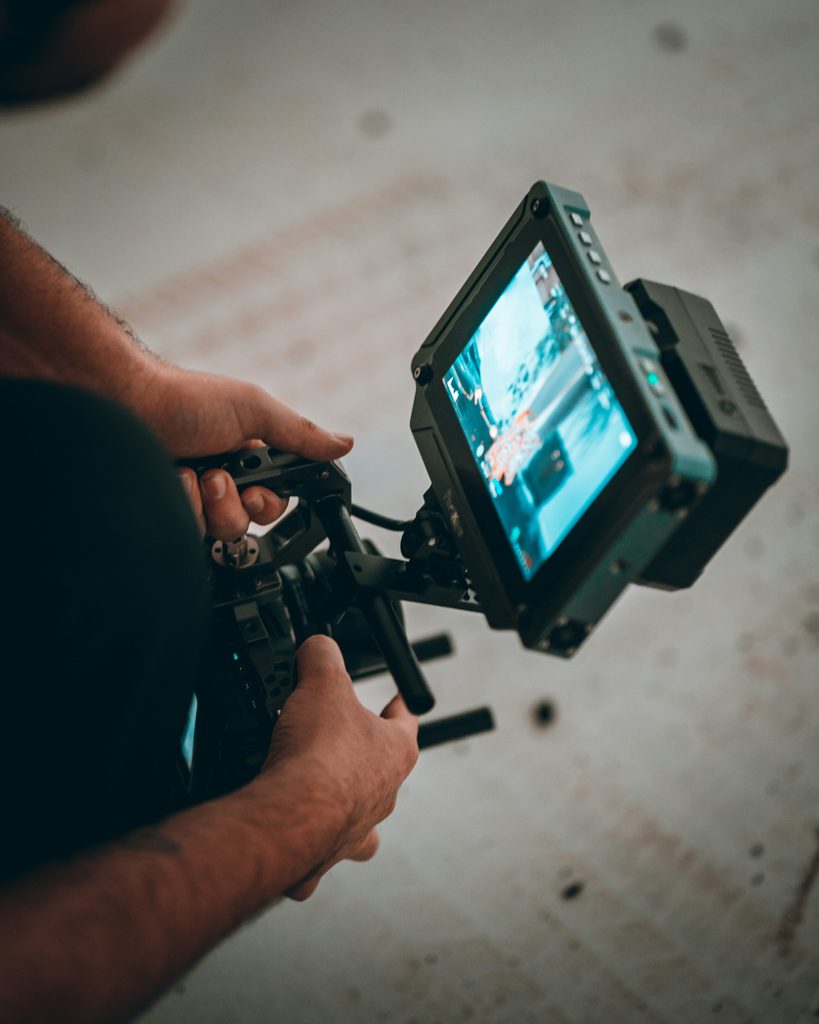
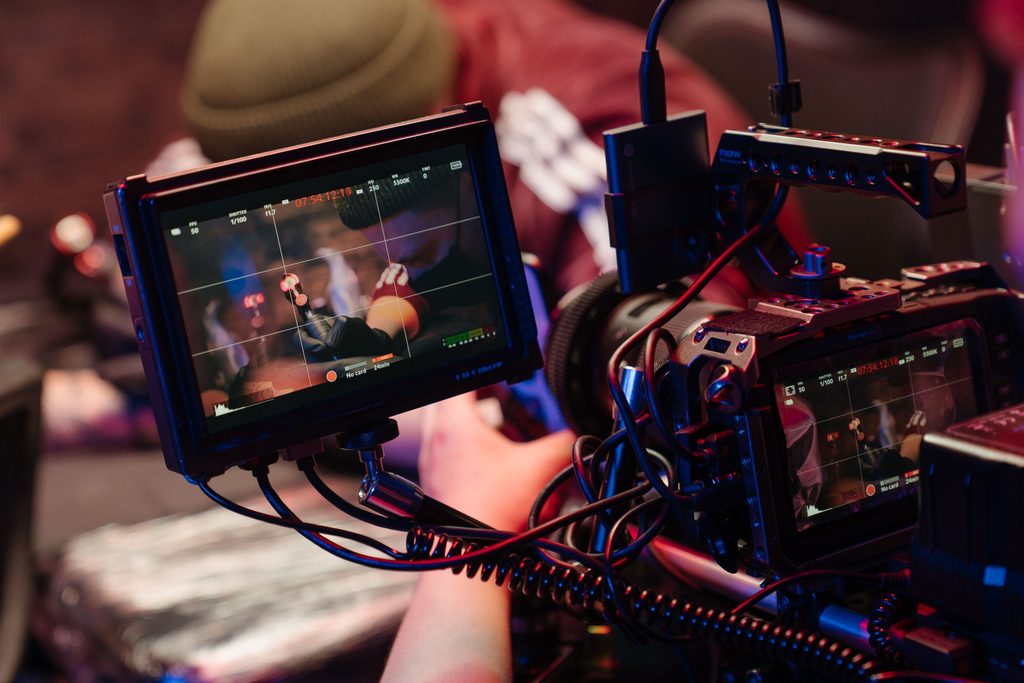
Most camera external monitors range from about 5 to 7 inches, considerably larger than the roughly 3 to 3.2-inch screens built into most cameras. They also typically offer higher resolution displays, which makes a real difference when judging fine detail, sharpness, or subtle exposure issues that are nearly impossible to catch on a small screen.
Peaking, Zebras, and Focus Assist Tools
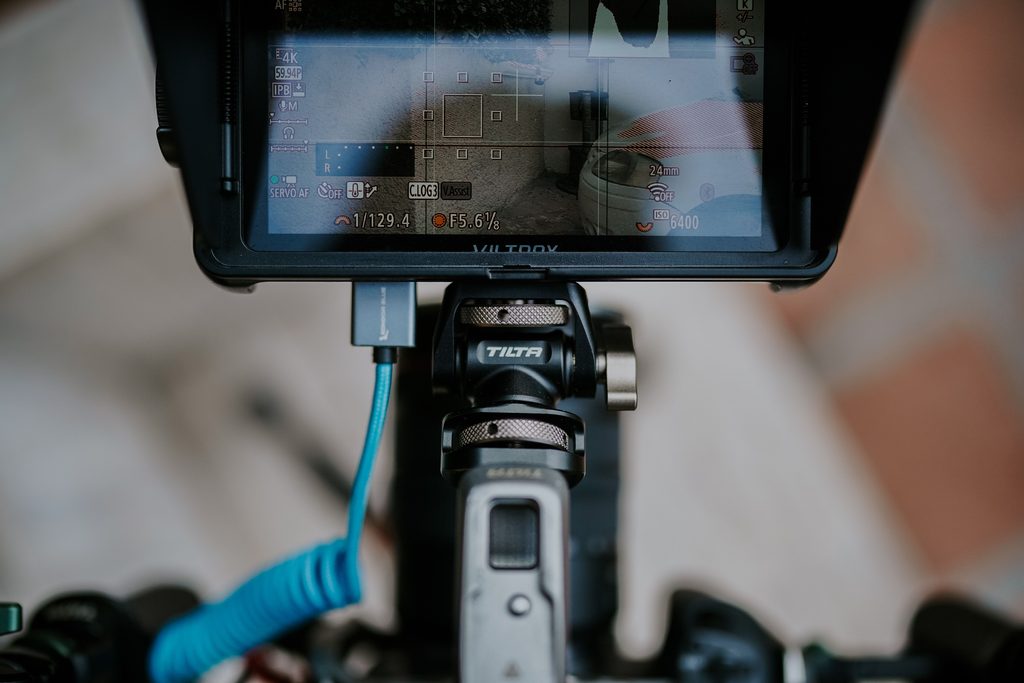
This is where external monitors really earn their keep for video work. Focus peaking highlights the sharpest edges in your frame (usually in a bright color like red or yellow), making it much easier to confirm exactly what’s in focus, especially useful when manually focusing. Zebra stripes show diagonal lines over areas of your image that are close to overexposed, helping you catch blown-out highlights before you’ve finished shooting rather than discovering it later in editing.
Some cameras offer these tools on their built-in screens too, but external monitors generally display them larger, clearer, and often with more customization options (adjusting the exposure threshold that triggers zebra stripes, for example).
The Camera Screen Problem: Where It Falls Short
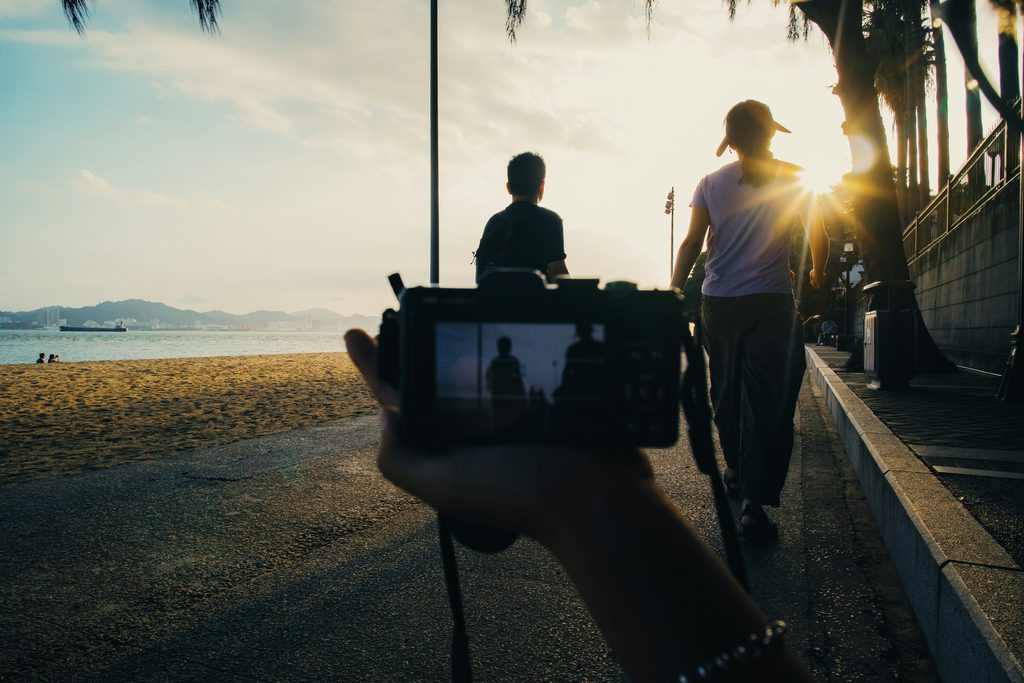
Most camera screens are genuinely not designed for critical focus or exposure checking, they’re built for general framing and menu navigation. At roughly 3 inches, fine focus errors are easy to miss entirely. And in bright outdoor conditions, most built-in screens (which are typically much dimmer than a dedicated monitor) become difficult or nearly impossible to see clearly, forcing you to shade the screen with your hand or guess.
This becomes a real practical problem specifically during manual focus work in video, where a focus error that looks fine on a tiny screen can turn out to be noticeably soft once viewed on a larger display during editing.
When an External Monitor Genuinely Helps
An external monitor makes the most practical difference in a few specific situations. Manual focus-heavy video work (like cinematic footage where you’re pulling focus between subjects) benefits enormously from focus peaking on a larger screen.
Multi-person shoots where a director or client needs to monitor the shot alongside the camera operator also benefit, since a monitor can often be positioned for a second person to view without crowding the camera itself.
And if you’re mounting your camera on a gimbal or rig at an awkward angle (low to the ground, or overhead), a monitor lets you check your framing without contorting yourself to see the camera’s own screen.
When You Can Skip It (At Least for Now)
If you mostly shoot still photography, rely on autofocus rather than manual focus, or shoot casually on your own without needing a second person to monitor the shot, an external monitor is honestly a lower priority. It’s worth being realistic about the tradeoffs too: monitors add extra weight to your setup, draw their own battery power (meaning another battery to charge and manage), and require cable management between the camera and monitor, which can get tangled or accidentally disconnected during a shoot.
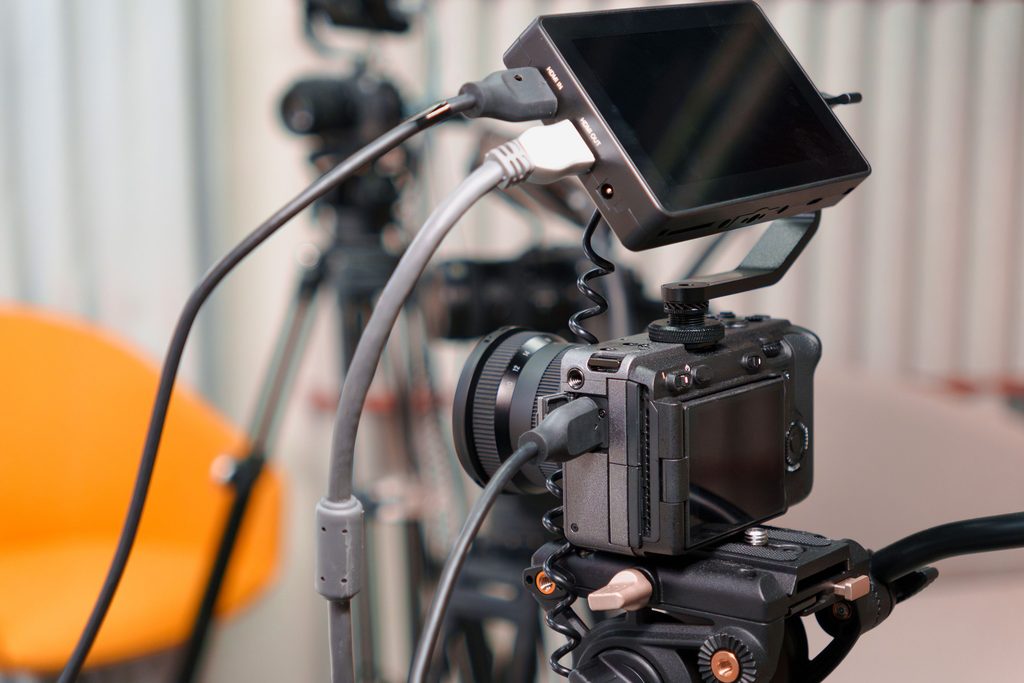
⚠️ Watch Out: If you do decide to buy one, check the HDMI port type on your specific camera model first. Cameras commonly use Micro-HDMI, Mini-HDMI, or occasionally full-size HDMI ports, and using the wrong cable simply won’t connect. Always confirm compatibility before purchasing.
What to Actually Look For If You Decide to Buy One
If you’ve decided an external monitor fits your workflow, a few specifications are worth checking closely. Screen size (typically 5 to 7 inches) affects both portability and how much detail you can actually see. Resolution determines how sharp the image appears, especially important for focus checking. Brightness, measured in nits, matters a lot if you shoot outdoors; monitors rated around 1000 nits or higher remain visible in direct sunlight, while lower-rated screens can wash out badly outdoors.
💡 Quick Tip: Brightness is measured in “nits.” If you frequently shoot outdoors in direct sunlight, look specifically for monitors rated at 1000 nits or higher; anything significantly lower may be hard to see clearly outside.
Finally, check the monitor’s HDMI input type against your camera’s output port, and consider whether the monitor is powered by its own battery or draws power from your camera, since this affects how much additional battery management you’ll need on set.
📌 Key Takeaways
- External monitors add screen size, resolution, and focus tools (peaking, zebras) that most camera screens lack.
- They genuinely help with manual focus video work, multi-person shoots, and awkward gimbal or rig angles.
- If you buy one, check brightness (nits) for outdoor use and confirm HDMI compatibility with your camera first.
Hopefully this gives you a clearer sense of whether an external monitor actually solves a problem you have, rather than just being one more piece of gear to carry. If you mostly shoot casually or rely on autofocus, your camera’s built-in screen is probably still doing its job just fine!
Want to keep learning?
Leave a Reply