
Picture this: the couple is walking down the aisle, you hold the shutter down for a quick burst, and then you try to check the shot… but your camera is still busy saving, and you can’t open your photos at all. Every second you wait is a moment you could be missing next!
If you’ve ever stared at a camera that wouldn’t let you review your pictures at the exact moment you needed to, you already know that an SD card is much more than a storage box. When I shot weddings, I learned this the hard way. Choosing the right SD card for wedding photography is about much more than picking a big number. In this guide, I’ll walk through how much storage you really need, why speed mattered more than I expected, and how to read the confusing numbers printed on SD cards.
My Setup (and Why Weddings Are So Hard on SD Cards)
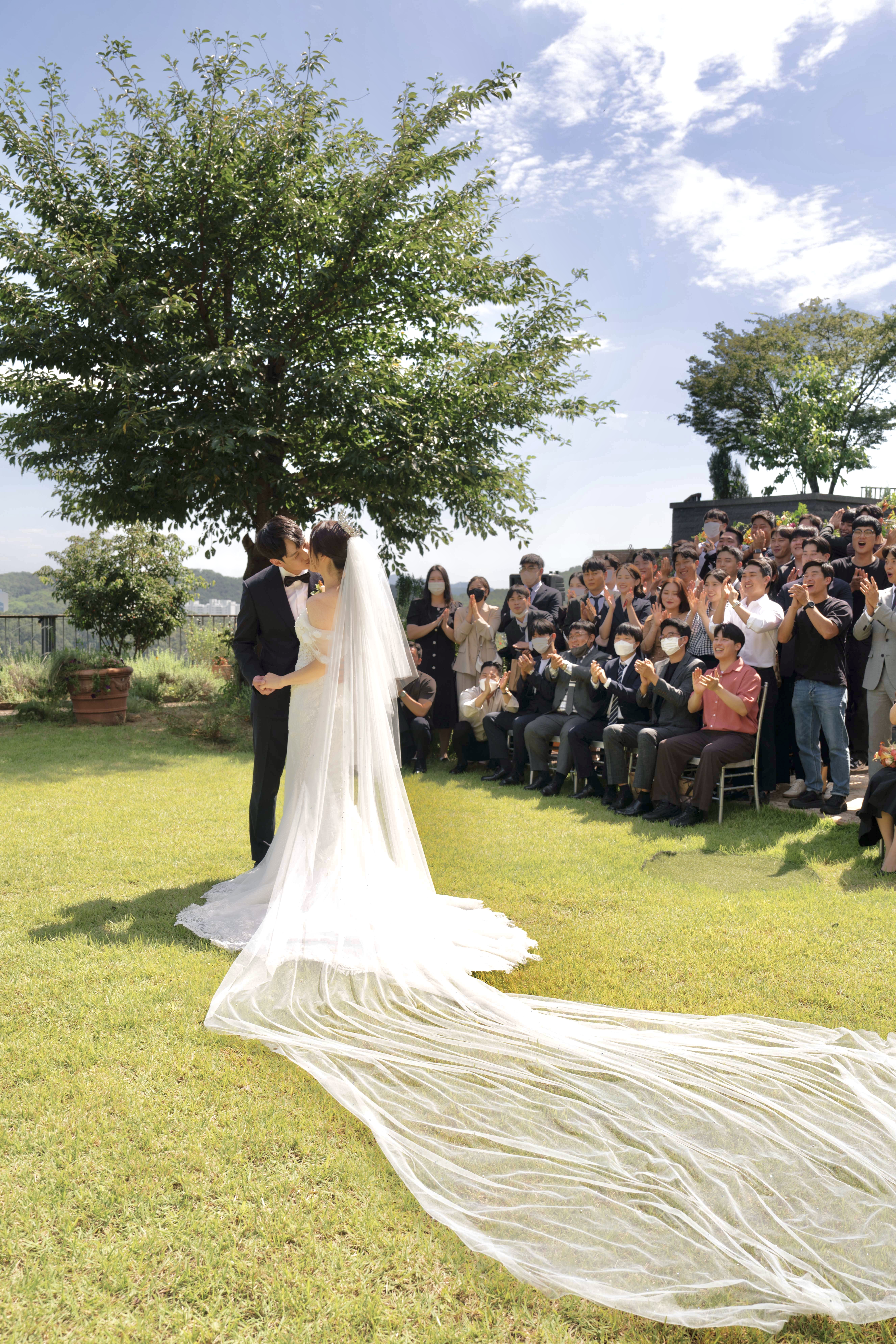
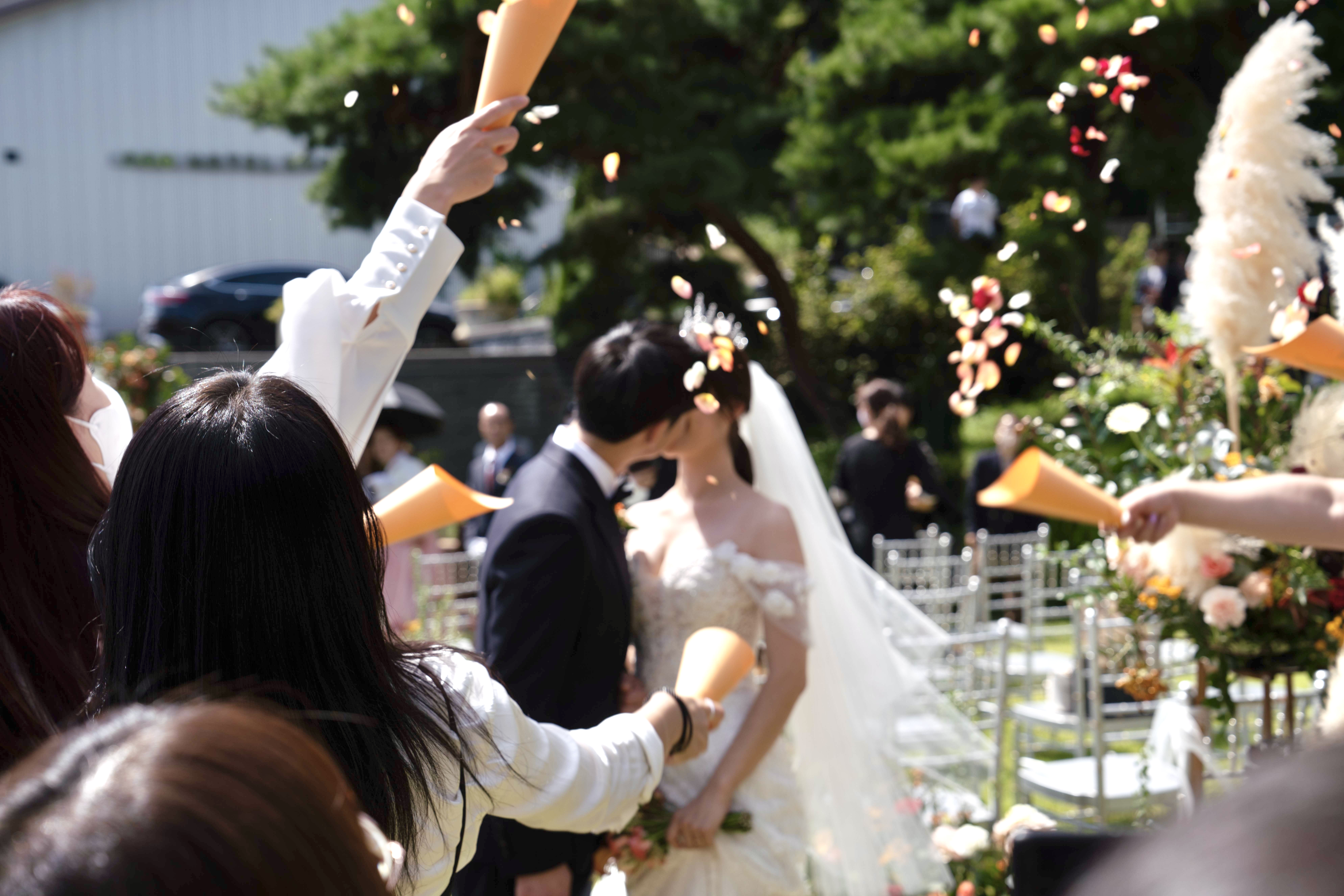
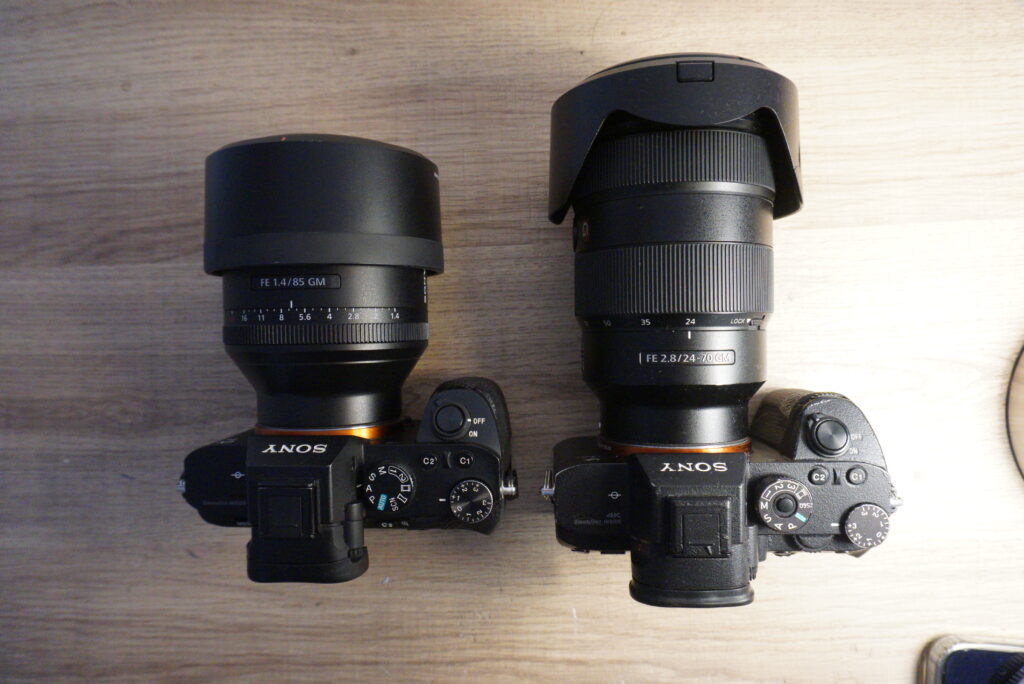
I shot weddings in Korea on weekends, usually one or two a day. I worked with two camera bodies, a Sony a7 III and a Sony a7 II, and each one had its own job. One carried a 28-70mm f/2 G Master lens for wide shots of the venue and big groups, while the other carried an 85mm f/1.4 G Master for close-up shots I needed to grab right away. A typical shoot meant more than 5,000 photos, and plenty of those were burst sequences (the kind you’d fire off for moments like a bouquet toss or an exit through confetti). I also always shot RAW, because it gives you far more room to fix exposure and colors while editing (if you’re not sure how RAW differs from JPEG, my RAW vs JPEG guide breaks it down)
Two bodies, RAW files, and heavy bursts together make a pretty tough test for any memory card, so picking an SD card for wedding photography takes more thought than it seems.
How Much Storage Do You Actually Need?
Start With Your File Size
RAW file size depends on your camera, its resolution, and whether you use compressed or uncompressed RAW. As a rough guide, files from a 24-megapixel camera tend to land somewhere between 25 and 50 MB each. Here’s what that adds up to (these are rough estimates, so check the actual file size on your own camera):
| Photos in one shoot | At about 25 MB each | At about 50 MB each |
|---|---|---|
| 1,000 | About 25 GB | About 50 GB |
| 3,000 | About 75 GB | About 150 GB |
| 5,000 | About 125 GB | About 250 GB |
With more than 5,000 photos per shoot, it’s easy to see why I leaned on 256GB cards. A 128GB card would be nearly full at the lower end of that range, and it wouldn’t make it through the day at the higher end.
Why I Still Carried a Spare
A big card gave me breathing room, but I never relied on a single card. Since I sometimes needed to swap cards in the middle of a shoot, I always kept a spare SD card ready. A second card means a full card (or a card that acts up) never turns into a missed moment.
💡 Quick Tip: The capacity printed on a card is the nominal size, and the usable space after formatting is a little lower. Round your estimate up, and never format a card until your photos are safely copied to at least two places (my photo backup guide shows a simple routine).
Why Speed Mattered More Than I Expected
The Mistake I Made When I Started
When I first started shooting weddings, I didn’t realize SD card speed was something I should care about, so I used a slower card. The problem showed up right after bursts: while the camera was still saving the photos, I couldn’t open the gallery to check what I’d just shot. At a wedding, that’s stressful, because you can’t ask a couple to repeat a moment. Being able to quickly confirm focus and expressions after an important shot is a big part of the job.
What’s Happening Behind the Scenes
When you shoot a burst, your camera first holds the photos in a small, fast temporary memory (called the buffer) and then writes them to the card. A slower card empties that buffer more slowly, so your camera stays busy for longer. The faster the card can write, the sooner your camera is free again. After that experience, I settled on a SanDisk 256GB Ultra card rated up to 120 MB/s, and it worked well for the way I shot.
How to Read the Numbers on an SD Card
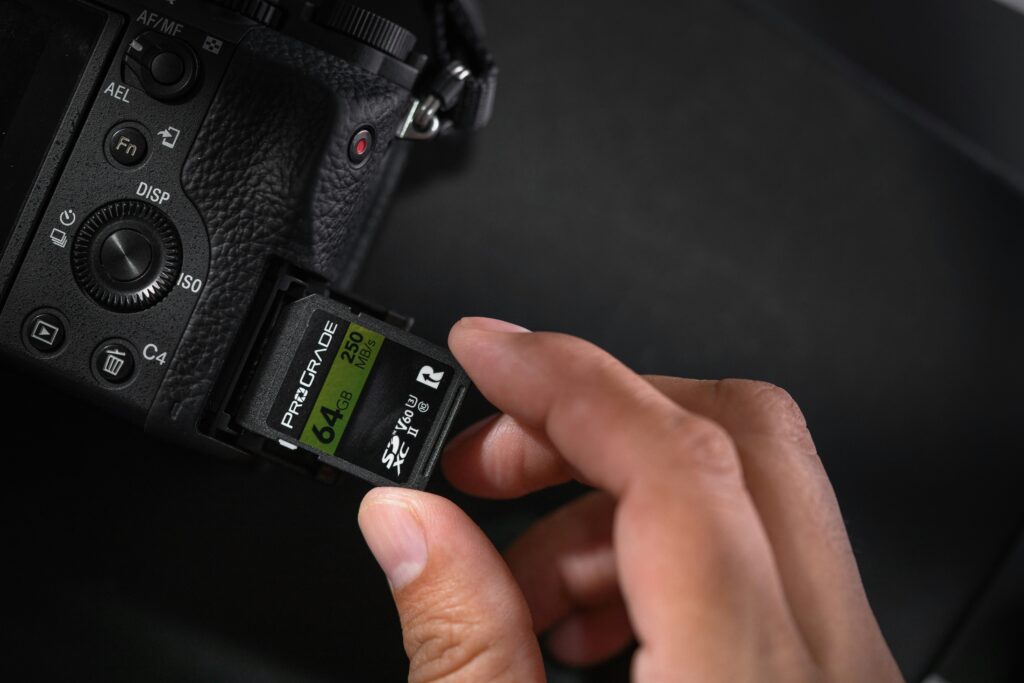
Card packaging is full of numbers and symbols, and they don’t all mean the same thing. The big “up to X MB/s” number is usually the maximum read speed (how fast the card can send files to your computer), not a promise of how fast it saves photos from your camera. For shooting, what matters most is the sustained write speed, and that’s what the speed class symbols describe.
| Marking | What it tells you | Good to know |
|---|---|---|
| “Up to 120 MB/s” (big number) | Advertised maximum speed, usually for reading | Not a guaranteed write speed (check the manufacturer’s spec sheet) |
| Class 10 | Minimum sustained write speed of 10 MB/s | Fine for basic photos and Full HD video |
| U1 | Minimum sustained write speed of 10 MB/s | Same minimum as Class 10 |
| U3 | Minimum sustained write speed of 30 MB/s | Common choice for 4K video and heavier shooting |
| V30, V60, V90 | Video speed class (30, 60, or 90 MB/s minimum) | Worth looking for with bursts and high-quality video |
⚠️ Watch Out: The SanDisk card I used showed the SDXC logo and the advertised speed on the front, but I didn’t see a U3 or V30 marking on it. If you shoot lots of bursts or video, look for an explicit speed class (U3 or V30 or higher) and check the write speed in the manufacturer’s specs, rather than trusting the biggest number on the package.
Check What Your Camera Can Actually Use
A fast card only helps if your camera can take advantage of it. Some cameras limit speed on certain slots. For example, the Sony a7 III has two SD slots, but only slot 1 supports the faster UHS-II standard, while slot 2 is limited to UHS-I (always check your own camera’s manual, since this varies a lot between models). Your RAW setting and burst speed matter too, because they decide how quickly the buffer fills up, so even a very fast card won’t make a long burst unlimited.
If your camera has two card slots, it’s also worth checking whether it can record to both at once, which many people like to use at important events for peace of mind. If you’re comparing brands, you can also see my SanDisk vs Lexar vs Samsung comparison, and my broader SD card buying guide covers the basics of capacity and speed classes.
Which SD Card for Wedding Photography Should You Choose?
There’s no single answer, but here’s how I’d think about it for different situations (these are general guidelines, not strict rules):
| Situation | Card size to consider | Speed to look for |
|---|---|---|
| Casual events, mostly JPEG | 64 to 128 GB | Class 10 or U1 is usually fine |
| Weddings or events shot in RAW (3,000+ photos) | 128 to 256 GB, plus a spare card | U3 or V30 if you shoot bursts |
| Lots of bursts or 4K video | 128 GB or larger, and more than one card | U3 or V30 or higher, and check the write speed |
One more thing worth thinking about: I used big 256GB cards with a spare, but many photographers prefer several smaller cards so that a single card failure costs them less. Both approaches can work. The key is not trusting all your photos to one card and copying them to your computer as soon as the shoot is over.
📌 Key Takeaways
- Estimate storage from your RAW file size and your number of shots, then round up and carry a spare card.
- Write speed decides how soon your camera is ready again after bursts, so look for a real speed class (U3 or V30), not just the biggest number on the box.
- Check what your camera’s slots support, and back up your photos before you format anything.
I hope sharing my own experience helps you skip the same trial and error! Whatever card you pick, matching it to how you actually shoot matters more than chasing the biggest number on the package.
Want to keep learning?
Leave a Reply