
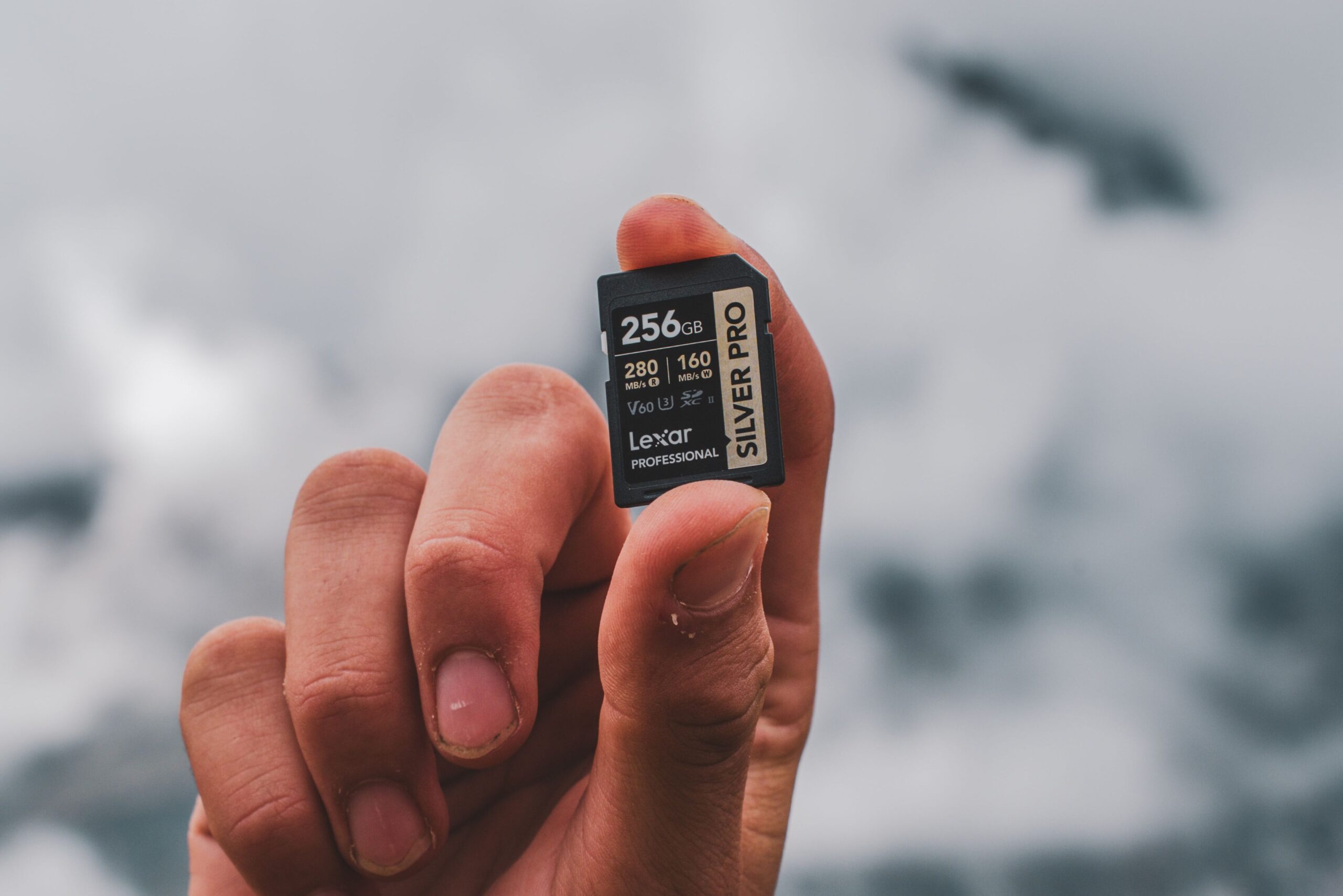
Imagine getting home after a perfect day of shooting, popping your SD card into your computer… and finding the photos are gone. Corrupted. Unreadable. It’s one of the most heart-sinking moments in photography — and the worst part is, it’s almost always avoidable.
The good news: most lost-photo disasters come down to a few simple habits. In this guide, you’ll learn the five most common SD card mistakes beginners make, and the easy steps that keep your photos and videos safe.
Formatting or Deleting Cards the Wrong Way
How you erase a card matters more than you’d think.
Many beginners delete photos one by one, or format the card on their computer. Both can cause problems, leftover files, errors, or a card your camera doesn’t fully recognize. The safer habit is to format the card in your camera, not on a computer. Your camera sets up the card exactly the way it likes, which helps prevent glitches and corruption.
Just remember: formatting erases everything on the card. So it’s a “make sure you’ve copied your photos first” kind of button.
⚠️ Watch Out: Formatting can’t be undone. Before you hit format, double-check that every photo and video you care about has already been safely copied somewhere else. When in doubt, don’t format.
Using Cheap, Fake, or Wrong-Spec Cards
Not all SD cards are created equal and the wrong one can cost you.
Suspiciously cheap cards (especially from unknown sellers) are sometimes fakes that claim a high capacity but fail without warning. And even genuine cards can be the wrong fit: shooting 4K video on a card that’s too slow can cause dropped frames or recordings that stop on their own.
The fix is to match the card to what you actually shoot, and buy from sellers you trust. If you’re not sure what specs you need, it’s worth understanding the basics before you buy.
💡 Quick Tip: Buying from a reputable retailer dramatically lowers your chances of ending up with a counterfeit card. If a deal looks too good to be true for a “high-end” card, it often is.
Pulling the Card Out at the Wrong Moment
This one is quick to explain — and quick to cause damage.
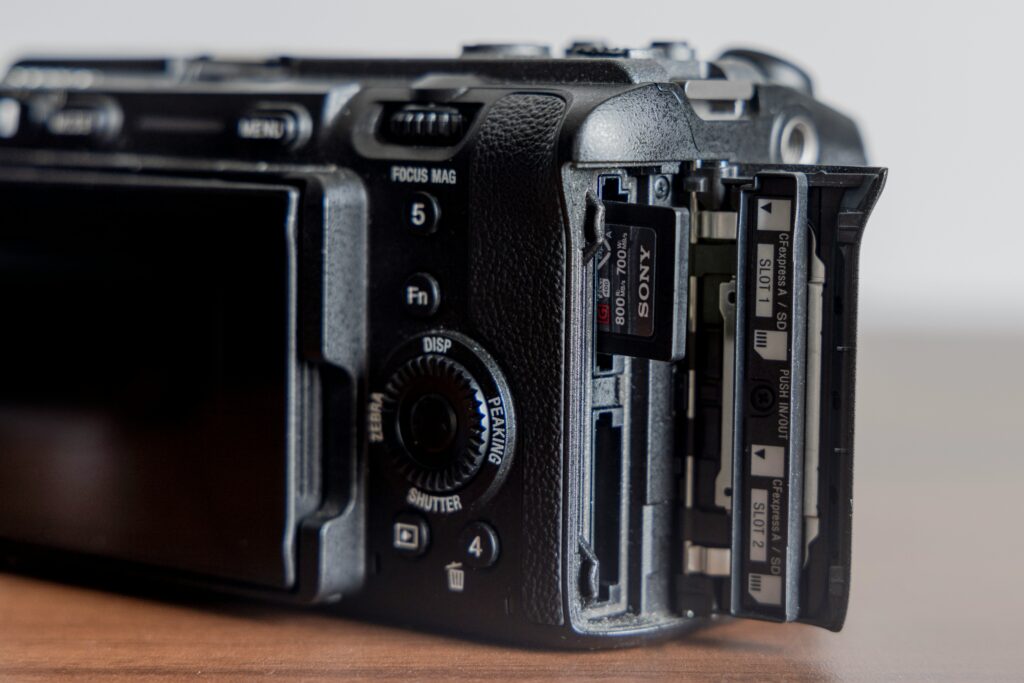
If you remove your SD card while the camera is still saving (or still powered on), you can corrupt not just the last shot, but sometimes the entire card. That little blinking light usually means the camera is still writing data.
The habit to build: turn the camera off and wait a second before removing the card. The same goes for ejecting it safely from your computer instead of just yanking it out.
Letting One Card Fill Up (and Never Backing Up)
Relying on a single card to hold everything is a gamble.
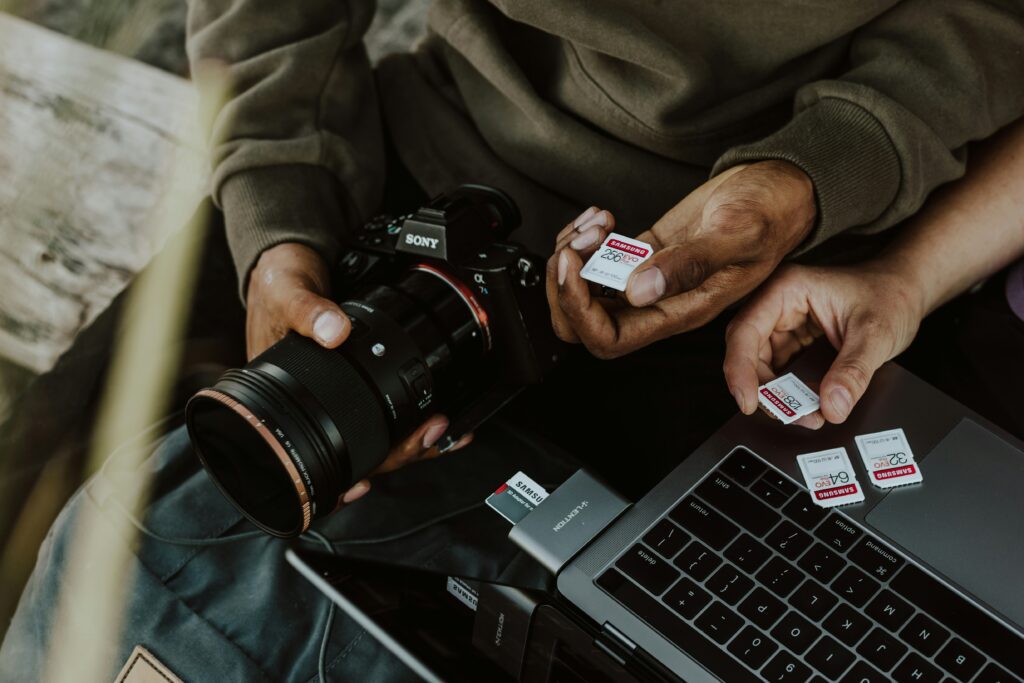
If that one card fails, gets lost, or is accidentally formatted, everything goes with it. Think of your SD card as temporary storage, not a permanent home for your photos. The goal is to move your images off the card and into a safer place regularly.
A simple routine — copy photos to your computer after each shoot, and keep a second copy somewhere else — saves countless people from heartbreak.
💡 Quick Tip: A popular backup idea is the “3-2-1” rule: keep 3 copies of important photos, on 2 different types of storage, with 1 copy kept somewhere separate (like the cloud). You don’t need to be perfect — even one extra copy is a huge improvement over none.
Ignoring Card Care and Wear
SD cards feel indestructible, but they’re not — they’re consumable gear.
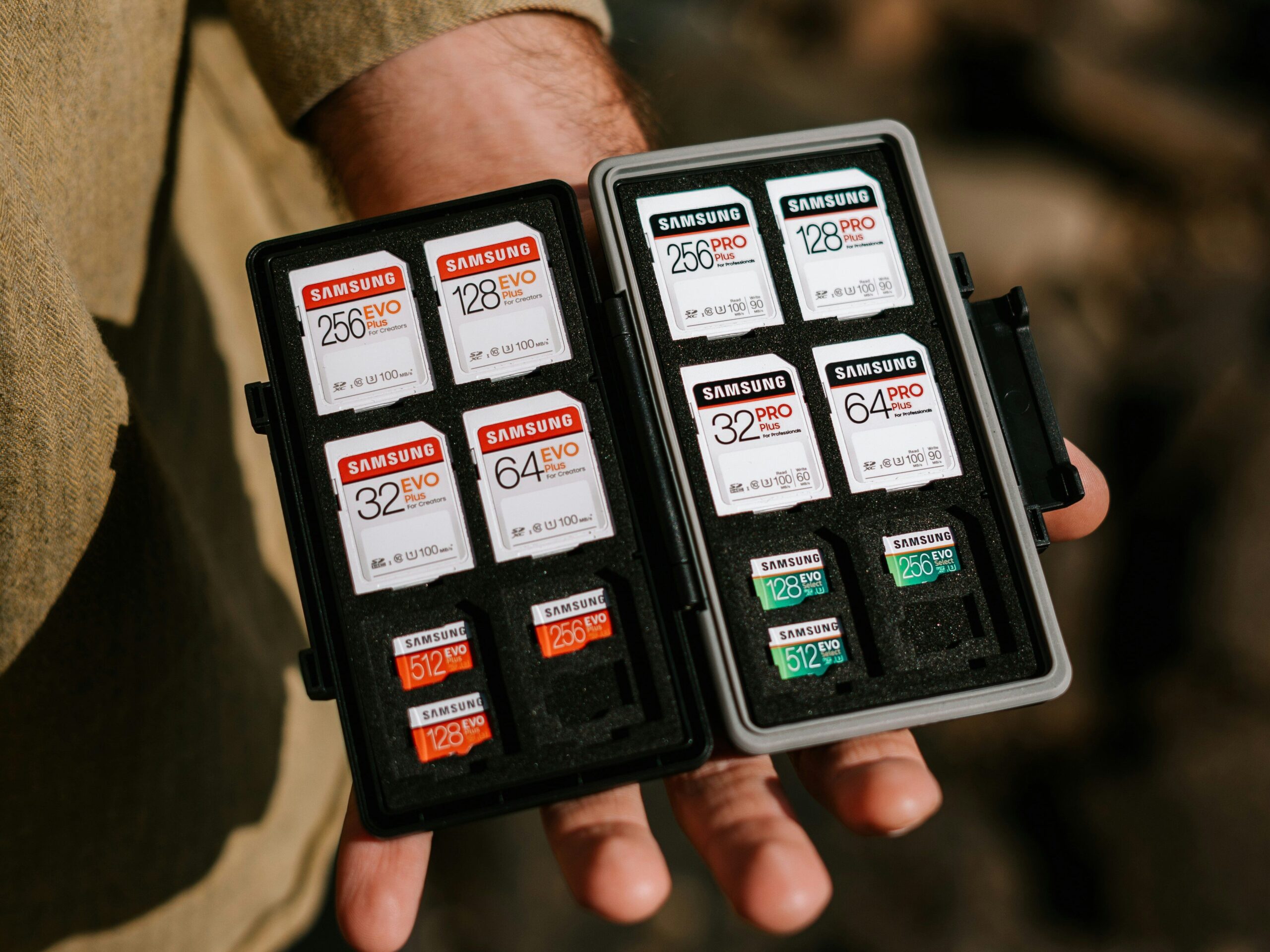
A few small habits go a long way: keep cards in a protective case instead of loose in a bag or pocket, avoid leaving them in extreme heat or cold, and handle them by the edges. It’s also worth knowing that cards wear out over time, so a card that’s years old and heavily used is more likely to fail.
If a card starts behaving oddly — errors, slow saving, or files that won’t open — treat it as a warning sign and stop trusting it with important shots.
Final Thoughts
📌 Key Takeaways
- Format cards in your camera (after backing up) and never remove them while the camera is saving.
- Buy genuine cards that match what you shoot, from sellers you trust.
- Treat your card as temporary storage — back up regularly so one failure never costs you everything.
Losing photos is painful, but as you can see, almost every cause is preventable with a few simple habits. None of this requires expensive gear or technical skill — just a little care and a backup routine. Build these habits now, and you’ll save yourself a lot of stress (and a lot of irreplaceable memories) down the road.
Here’s to keeping every shot safe — happy shooting!
Want to keep learning? Check out these beginner guides next:
Leave a Reply