
Imagine this: you’ve just come back from an incredible trip, your memory card is full of photos you’ll treasure forever, and then… the card gets corrupted, lost, or accidentally formatted.
That sinking feeling is one every photographer dreads! The good news is learning how to back up your photos doesn’t have to be complicated or expensive. By the end of this guide, you’ll have a simple, reliable routine to make sure your photos are always safe.
Why Photo Backups Matter More Than You Think
Memory cards can fail. Hard drives can crash. Phones can be lost or stolen. And sometimes, it’s simply human error (an accidental delete, a card formatted before you meant to). None of these things happen often, but when they do, the photos you lose are often the ones you can never recreate (a wedding, a trip, a moment with family).
The truth is, most people only start taking backups seriously after they’ve lost something important. This guide is here to help you avoid learning that lesson the hard way.
The 3-2-1 Rule: A Simple System That Actually Works
If you look into photo backup strategies, you’ll likely run into something called the 3-2-1 rule. It sounds technical, but it’s actually simple:
- 3 total copies of your photos
- 2 different types of storage (like a computer and an external hard drive)
- 1 copy kept somewhere physically separate (like the cloud, or a drive stored at a different location)
This might sound like a lot, but in practice, it usually just means: your memory card, your computer, and a cloud backup or second external drive. That’s it!
💡 Quick Tip: Many cloud storage services offer a free tier (usually a few GB) that’s enough to get started with backing up your most important photos, even before you commit to a paid plan.
Backing Up from Your Memory Card
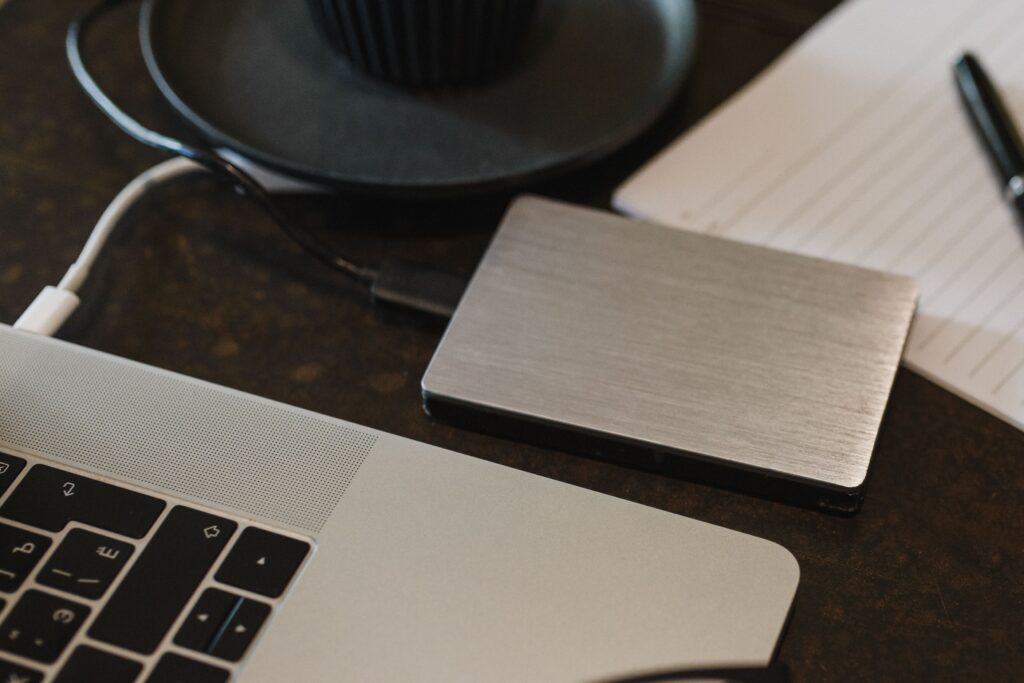
Your first backup usually happens right after a shoot: moving photos from your SD card to your computer. This should become a habit every time you finish shooting, not something you do “eventually.”
A simple routine looks like this: connect your card to your computer (using a card reader is often faster and gentler on your camera’s battery), copy the files into a clearly labeled folder (by date or event works well), and double-check that the files opened properly before doing anything else.
⚠️ Watch Out: Never format or reuse your memory card until you’ve confirmed your photos are safely copied in at least two places. Formatting too early is one of the most common (and painful) mistakes beginners make.
Cloud Storage vs Physical Storage: Do You Need Both?
Cloud storage (services that automatically sync your photos online) is convenient because it happens in the background and you can access your photos from anywhere. The downside is that it depends on having an internet connection, and free storage tiers fill up quickly if you shoot a lot.
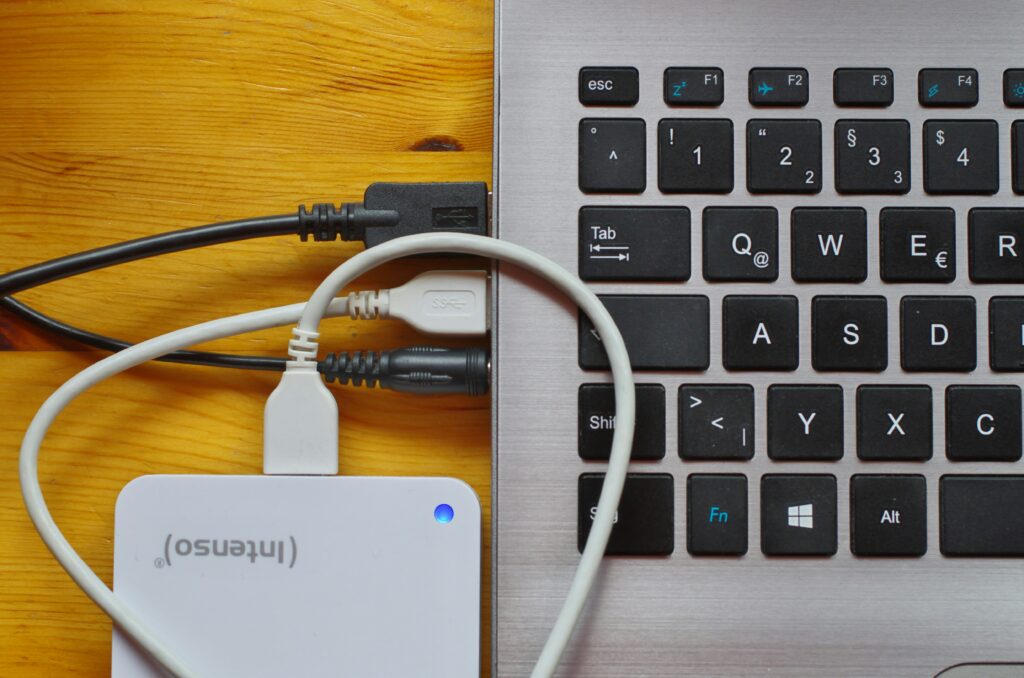
Physical storage (an external hard drive, for example) gives you full control and doesn’t rely on the internet, but it means remembering to actually plug it in and back things up manually, and it won’t protect you if something happens to your home (fire, theft, and so on).
Honestly, the best answer for most beginners is both. Use cloud storage for convenience and automatic backup, and keep a physical drive as your second (or third) copy. You don’t need the most expensive option of either, just something consistent.


Building a Backup Routine You’ll Actually Stick To
The best backup system is the one you’ll actually use. Here’s a simple structure to build around:
After every shoot: copy photos from your card to your computer.
Weekly: back up your computer’s photo folder to an external drive or cloud service.
Monthly: do a quick check that your backups are actually working (open a few files to confirm they’re not corrupted).
If this feels like too much at once, start with just the first step. Even one backup is far better than none, and you can build the rest of the routine over time.

So, Where Should You Start?
Don’t feel like you need to buy anything or set up a perfect system today. Start small: pick one extra place to store your photos this week (a free cloud account or an old external drive you already own), and build from there.
📌 Key Takeaways
- Follow the 3-2-1 rule: 3 copies, 2 storage types, 1 stored separately.
- Back up your memory card to your computer right after every shoot, before formatting.
- Combine cloud storage and physical storage for the most reliable protection.
I hope this guide helps you build a backup habit that gives you peace of mind! Your photos are worth protecting, and a little routine goes a long way.
Want to keep learning?
Leave a Reply