
If you’ve ever opened your camera’s settings and seen “RAW” and “JPEG” sitting side by side with no explanation, you’re not alone! It’s one of the first confusing choices beginners run into, and picking the wrong one for your needs can mean missing out on editing flexibility (or wasting precious storage space).
By the end of this guide, you’ll know exactly what each format does and which one fits your style of shooting.
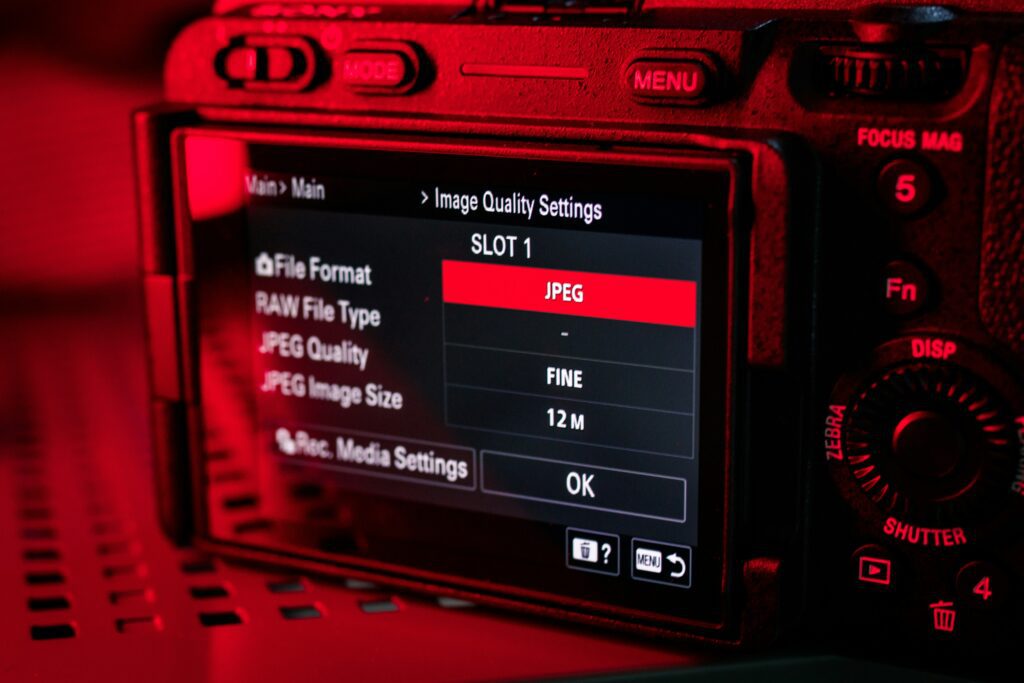
What Do RAW and JPEG Actually Mean?
Think of it this way: JPEG is like a photo that’s already been developed and printed, while RAW is like the undeveloped negative. When you shoot JPEG, your camera takes the raw sensor data, applies its own sharpening, color correction, and compression, and hands you a finished, ready-to-share file. When you shoot RAW, none of that processing happens (you get all the original sensor data, untouched, ready for you to develop yourself in editing software).
This is why RAW files are sometimes called “digital negatives.” They contain far more information than a JPEG, but they need an extra step (editing) before they look their best.
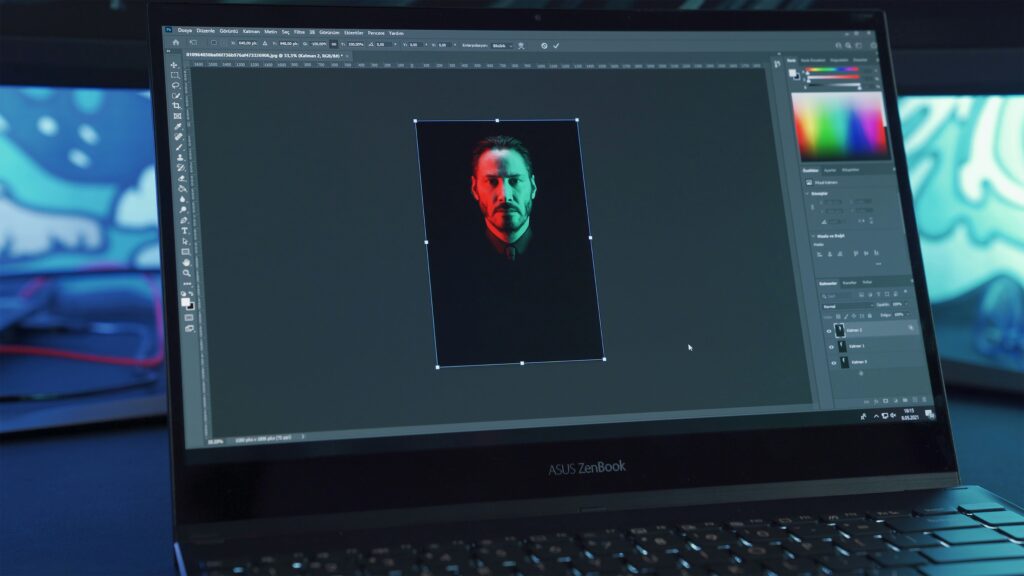
RAW vs JPEG: The Key Differences
Here’s a simple breakdown of how the two formats actually compare:
| Feature | RAW | JPEG |
|---|---|---|
| File size | Much larger (uncompressed) | Smaller (compressed) |
| Editing flexibility | High (adjust exposure, white balance, more) | Limited (fewer corrections possible) |
| Ready to share right away | No (needs editing software first) | Yes |
| Storage space needed | More | Less |
| Software required | Editing program (like Lightroom) | None |
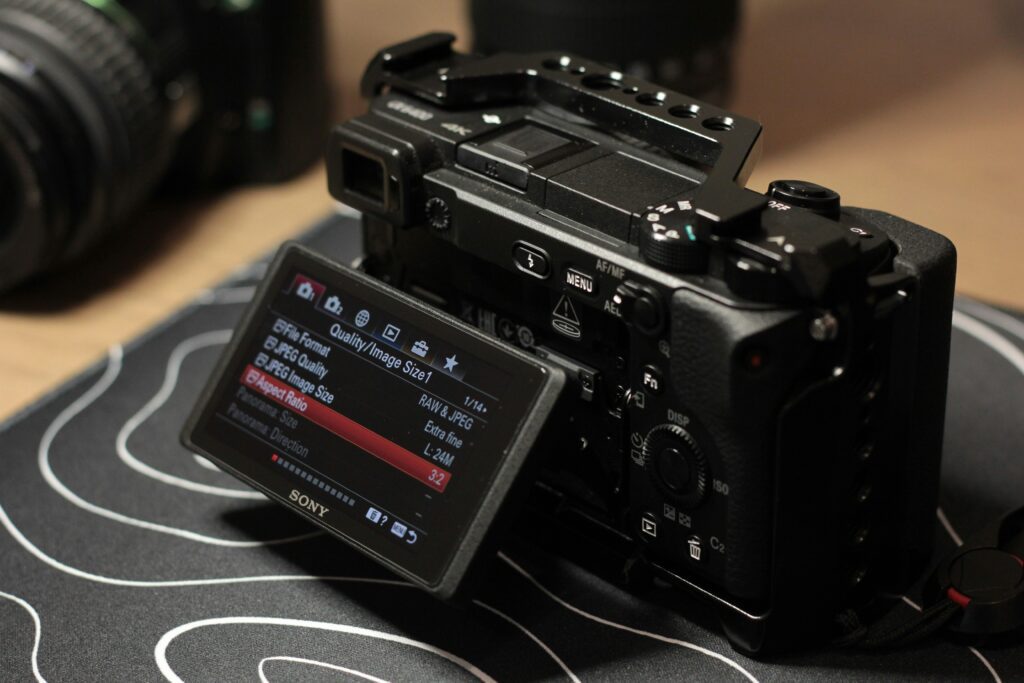
💡 Quick Tip: Many cameras let you save both formats at once! Check your camera’s shooting settings for a “RAW + JPEG” option (this gives you a ready-to-share JPEG immediately, while keeping the RAW file in case you want to edit later).
When JPEG Is the Better Choice
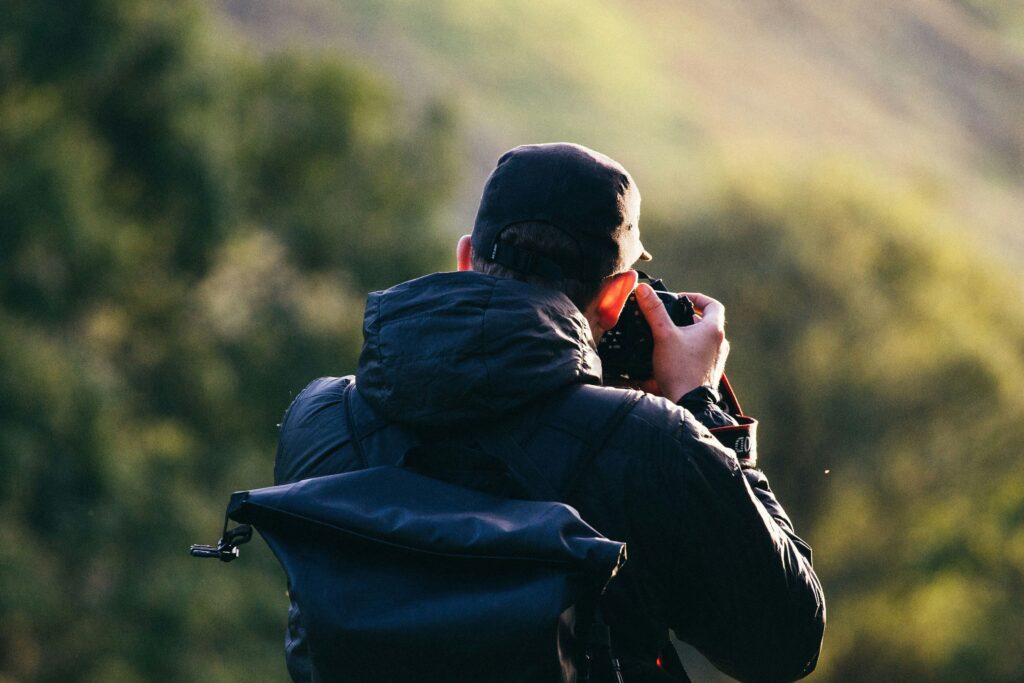
If you’re shooting for quick sharing (family trips, social media, or just casual everyday photos) JPEG is often the smarter choice. It takes up less space on your SD card, it’s ready to upload the moment you transfer it, and you don’t need any editing software to make it look good.
This is especially true if you’re traveling and taking a lot of photos in a short time (nobody wants to run out of card space halfway through a beautiful hike!). JPEG is also a good fit if you simply don’t enjoy the editing process and would rather let your camera handle the final look.
⚠️ Watch Out: RAW files can be three to four times larger than JPEGs. If you’re used to shooting JPEG and switch to RAW without upgrading your storage, you might fill up your card much faster than expected.
When RAW Is Worth the Extra Effort
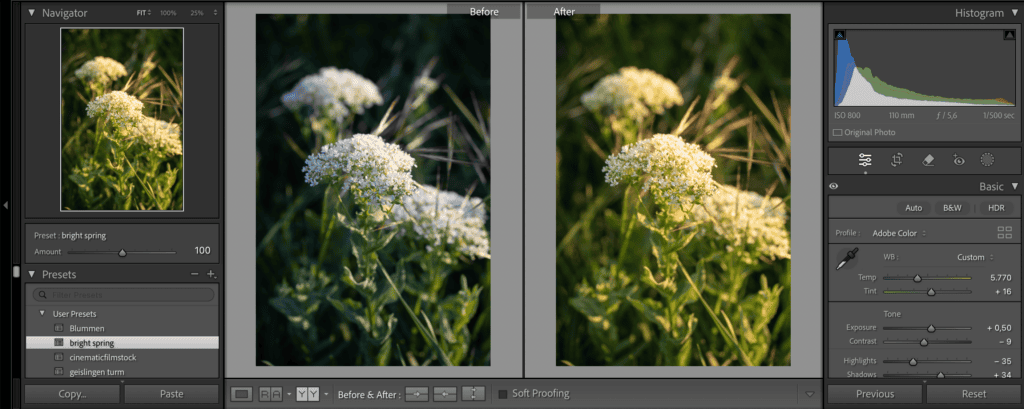
RAW shines when you plan to edit your photos or when you’re shooting in tricky lighting. Because RAW files hold so much more image data, you have far more room to fix things afterward (recovering detail from a too-bright sky, correcting a color cast, or adjusting exposure that wasn’t quite perfect in-camera).
If you’re still getting comfortable with concepts like exposure (check out our guide on the exposure triangle if that’s new to you!), RAW gives you a safety net. Even if your settings aren’t spot-on, you’ll usually have more flexibility to correct it later.
So, Which Should You Choose?
Honestly, there’s no single right answer (it depends on how you shoot and how much time you want to spend editing). A good rule of thumb: if you’re shooting fast-moving moments and want to share right away, JPEG keeps things simple. If you’re shooting something you care about getting exactly right (a portrait, a landscape, a special occasion) RAW gives you the room to fine-tune it later.
And if you’re not ready to commit to one or the other, the “RAW + JPEG” setting mentioned earlier is a great way to have both options without extra work. Just make sure you have a large enough SD card to handle the bigger file sizes!
📌 Key Takeaways
- RAW gives you more editing flexibility but takes up more storage space.
- JPEG is smaller and ready to share immediately, with less room to fix mistakes.
- Shooting both formats together is a simple way to get the best of both worlds.
I hope this cleared up the RAW vs JPEG confusion! Whichever format you choose, the important thing is that it fits how you actually like to shoot and edit.
Want to keep learning?
Leave a Reply